a scroll bar is one of the most used things for a program or a web. with a scroll bar you can scroll down and up the pages and see what information is in it.
the restore button allows you to keep the program running but just hide it on your desktop task bar. it is located on your right hand side also for pc users and for mac users it is located on the left.
minimize allows you to make the program window smaller so that you can see other files. it is also located on your right hand for a PC but for a mac it is located on the left hand side.
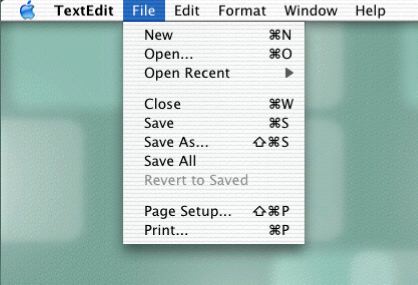
in the menu bar it allows you to set up your program and enable/disable. it only allows you to do it on the program that you are running. it also allows you to many options that are not seen in the program.